Run your contest.
Not your inbox.
NorCon handles registration, scheduling, scoring, and results — all in one place. Every role plays in the same key.
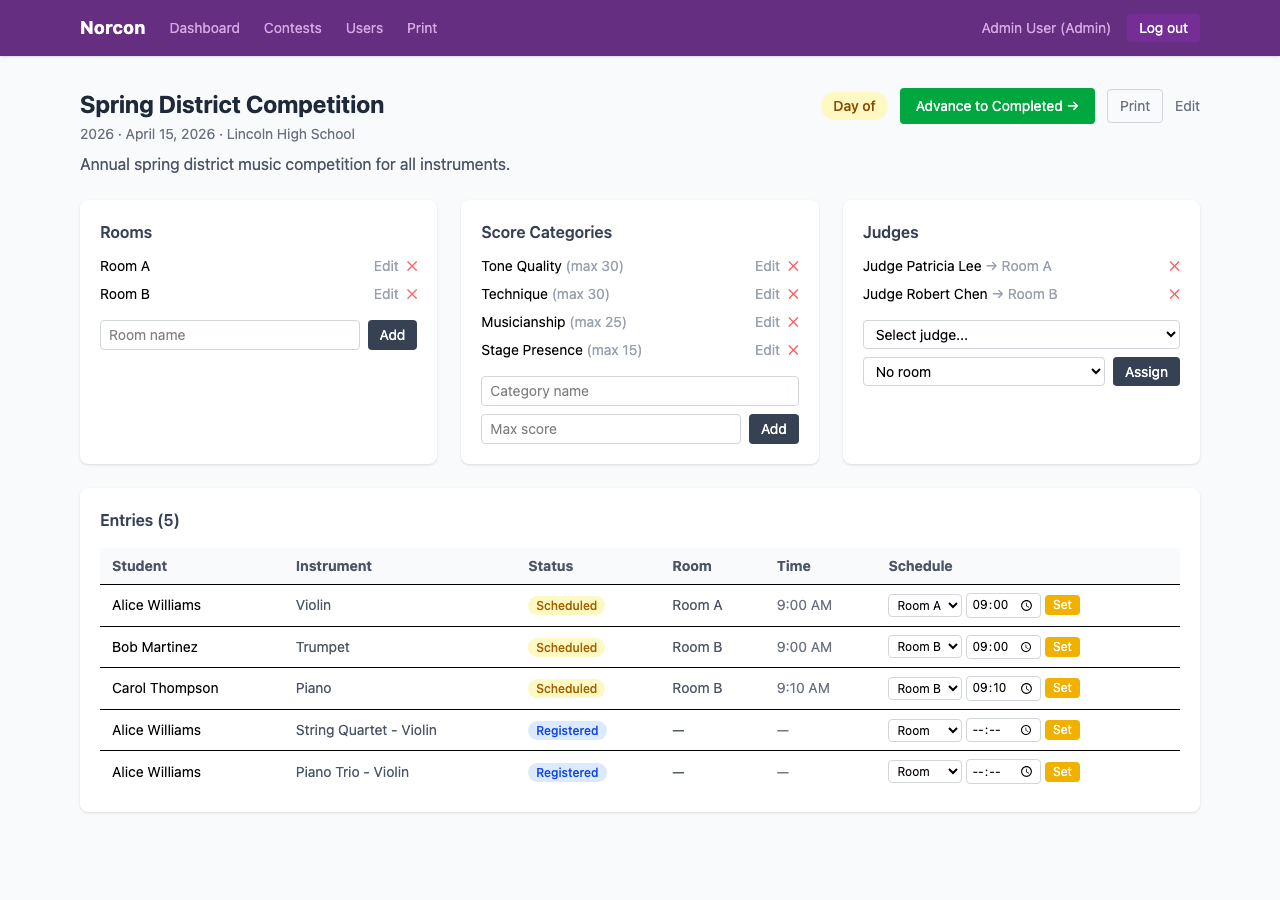
Everything about a contest — rooms, score categories, judges, and entries — on one page.
How it works
Four phases.
Create the contest, add rooms, define score categories, and assign judges.
Teachers register students individually or import a whole class via CSV.
Judges score entries by category. Organizers track progress in real time.
Rankings publish automatically. Students and teachers see final scores right away.
Assign rooms and times from one table
Nerd out and figure out times for each room, or just allow the system to auto assign. It won't let any student be double booked and will always try to give the student 15 minutes between times.
- ✓ Color-coded status badges (Registered / Scheduled / Scored)
- ✓ Multiple rooms per contest
- ✓ Judges automatically see their assigned room's entries
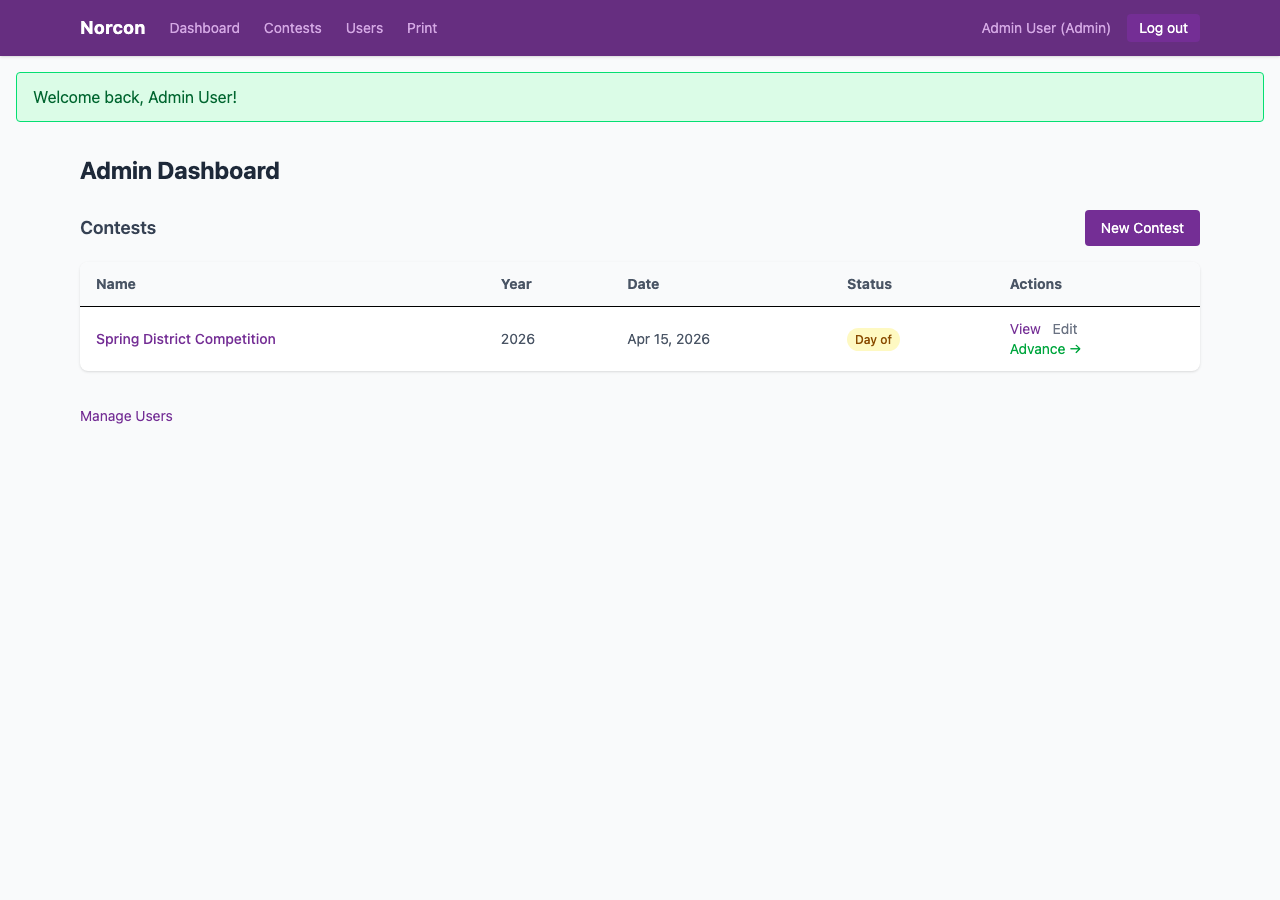
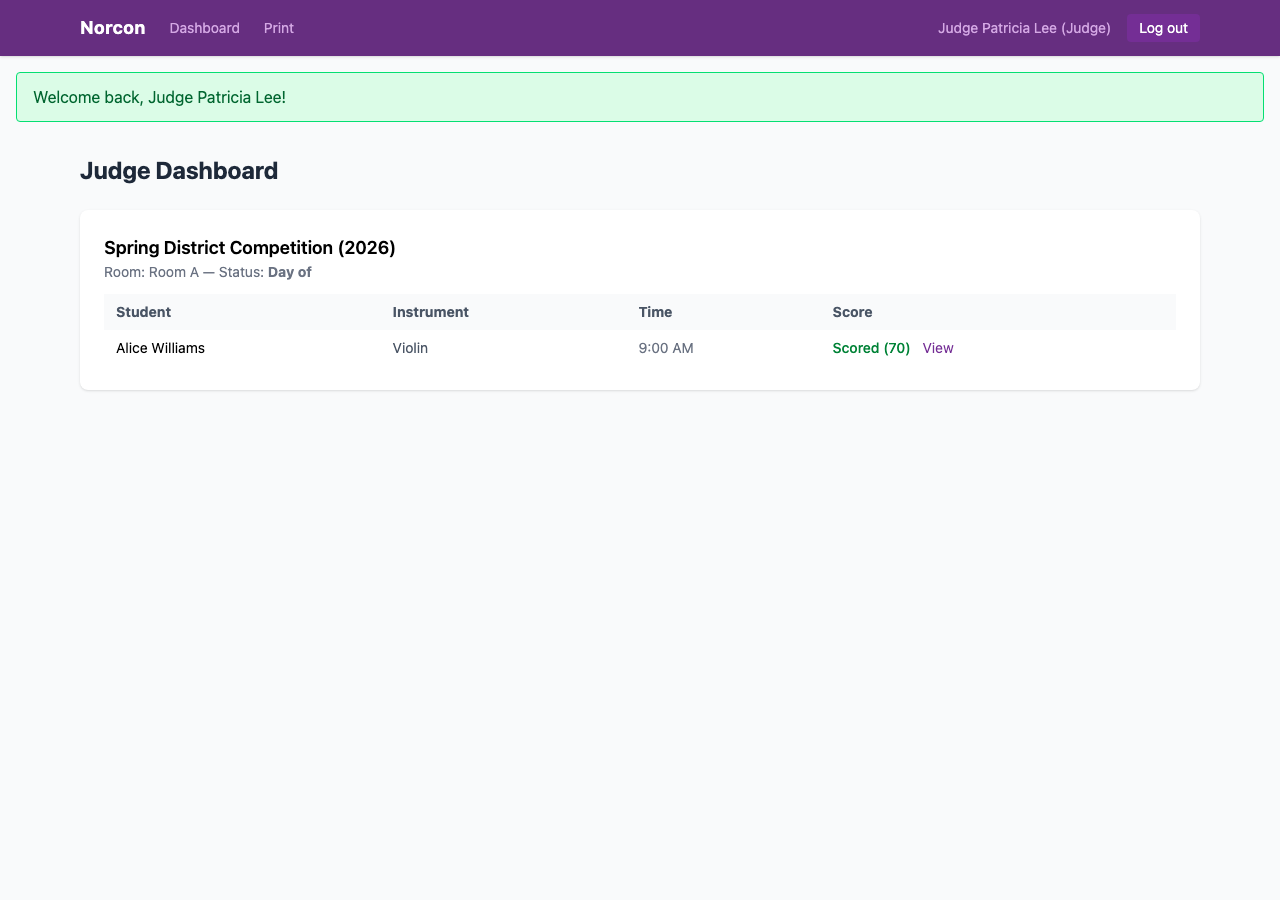
Judges score from any device, on the day
Each judge logs in and sees only their assigned room's lineup. They score each performance category-by-category — Tone Quality, Technique, Musicianship, Stage Presence. Can use paper too. No biggie.
- ✓ Customizable scoring categories with max scores per contest
- ✓ Scores are saved immediately — no submit-at-end risk
- ✓ Works on phone, tablet, or laptop
Register students in seconds, not minutes
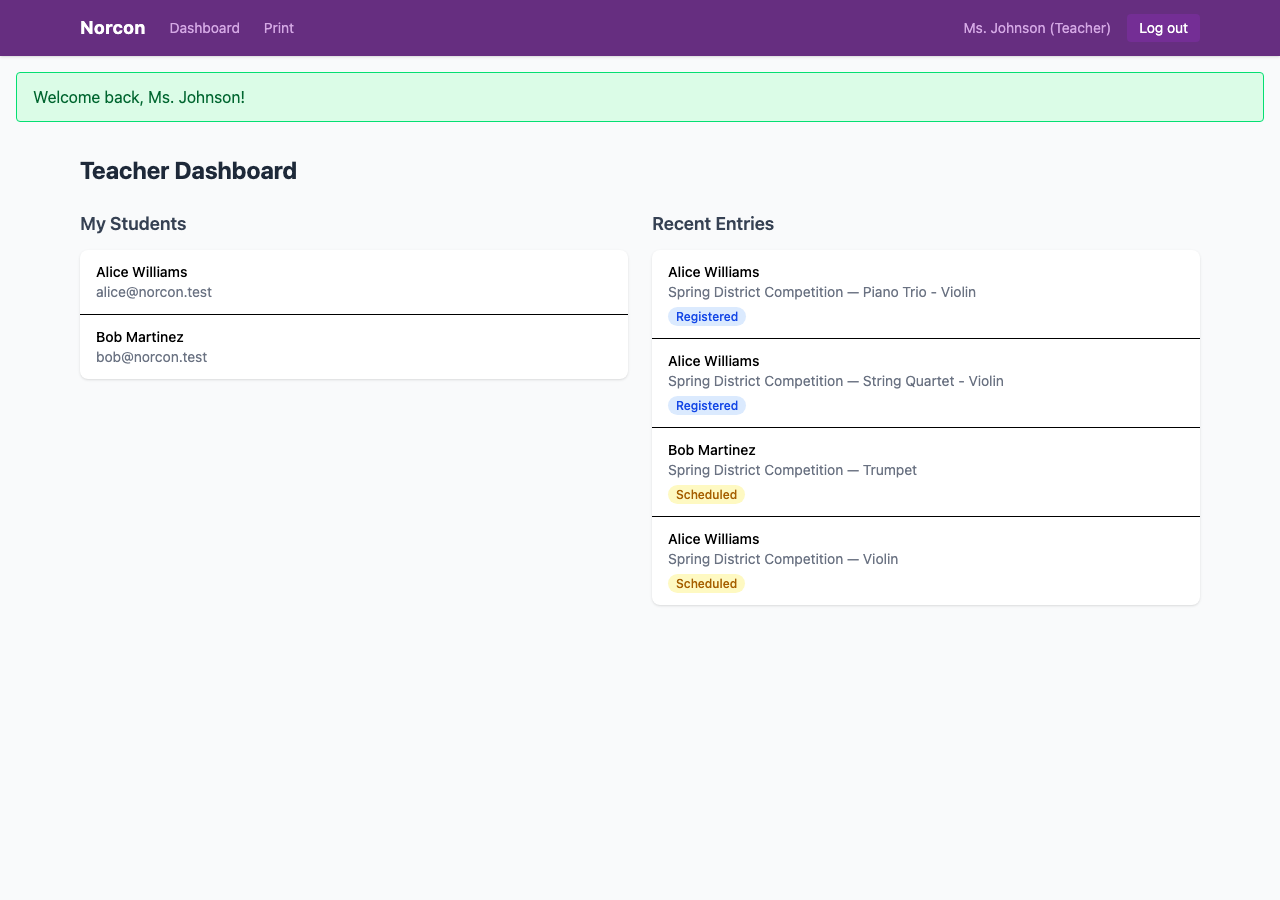
Type in one student at a time, or drop a CSV file and register your whole program at once. Your dashboard shows every entry, its status, and a direct link to results when scoring wraps up.
- ✓ CSV bulk import — paste a roster and go
- ✓ Track all your students' entries and statuses in one view
- ✓ Direct link to final rankings once the contest closes
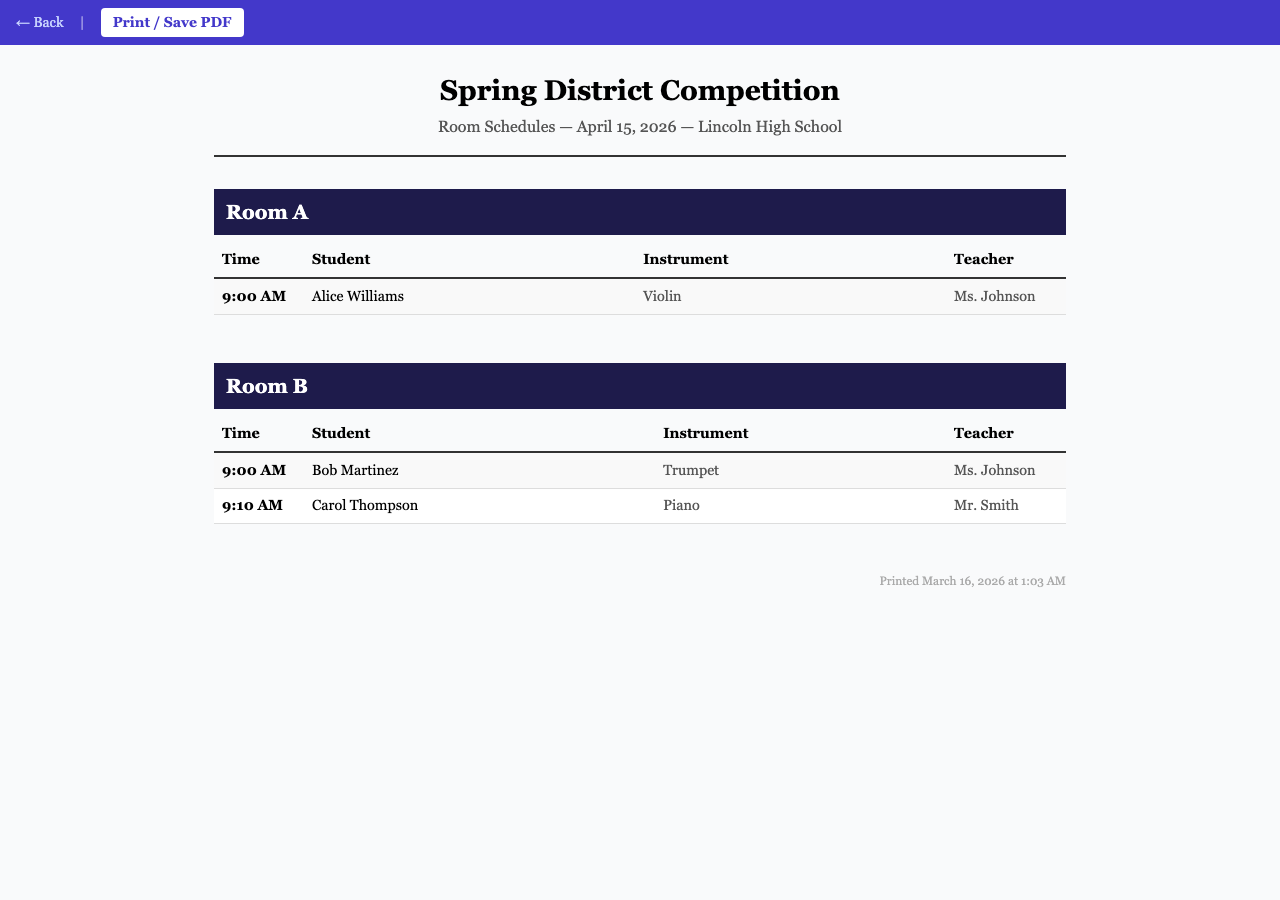
Print-ready schedules and judge cards
One click gives you a clean, print-formatted schedule for each room, judge scorecards, and individual student schedules. Hand them out at the door or share as PDFs.
- ✓ Room schedules by time, with student and instrument
- ✓ Per-student schedules teachers can share with families
- ✓ Judge scorecards ready to print for paper backup